
It's easy to feel like you're failing when yet another planner ends up in the donation pile. But what if the problem wasn't you, but the planner itself? So many of us with ADHD find that standard planners just don't click. They're often text-heavy and rigid, which doesn't work with how our brains are wired. The good news? There's a better way. Visual planners are designed to work *with* your brain, not against it. They use color, space, and clear visuals to make tasks and time feel more real. If you're looking for an adhd visual planner free, you're in luck – these tools can make a huge difference in getting organized.
Key Takeaways
Traditional planners often fail individuals with ADHD because their text-heavy, rigid formats don't align with how ADHD brains process information, leading to frustration and abandonment.
Visual planners are effective for ADHD because they use color, spatial layouts, and imagery to make abstract concepts like time and tasks more tangible and easier to grasp.
Look for an adhd visual planner free that offers flexible structures, built-in color-coding, and the ability to break down tasks into smaller, manageable steps with visual progress tracking.
Choosing between paper and digital visual planners depends on personal preference; digital tools often provide reminders and rescheduling ease, while paper offers tactile engagement and fewer distractions.
The most successful visual planners are those that adapt to your changing needs, embracing flexibility and self-compassion over a pursuit of perfection.
Understanding Why Visual Planners Work for ADHD
Why Standard Planners Fail the ADHD Brain
Let's be honest, those traditional, text-heavy planners often feel like they're designed for a different species. You know the ones – endless lines, tiny boxes, and a whole lot of dense information. For a brain that thrives on stimulation and struggles with sustained focus, this can be a recipe for overwhelm. Trying to decipher a long list of tasks or a packed schedule can feel like trying to read a foreign language when you're already tired. The sheer amount of mental effort required to process all that text can be a major roadblock, often leading to that familiar feeling of 'I'll do it later' which, of course, never comes.
The core issue isn't a lack of willpower or intelligence; it's a mismatch between the tool and how your brain naturally operates. Traditional planners demand a lot of working memory and sustained attention, two areas where ADHD can present challenges.
Your Brain Craves a Different Approach
Your brain isn't broken; it just processes information differently. It's often drawn to novelty, visual input, and immediate feedback. Think about how quickly you can spot something interesting in a busy image or how a catchy song gets stuck in your head. That's your brain at work! It's wired to engage with information that's presented in a more dynamic, less abstract way. When planning tools ignore this natural inclination, they create friction. Instead of feeling helpful, they become another source of frustration, contributing to that cycle of starting strong and then fizzling out.
Visual Planners Leverage Natural Processing Styles
This is where visual planners really shine. They tap into how your brain actually likes to work. Instead of relying on dense text, they use things like color, spatial arrangements, and clear visual cues. Imagine seeing your week laid out like a map, with different colors representing different types of activities or urgency levels. This makes abstract concepts, like time and tasks, feel more concrete and manageable. It's like giving your brain a shortcut – it can grasp the information much faster and with less effort. This isn't about making planning 'fun' with stickers (though that can help!), it's about creating a system that your brain can actually connect with and use effectively. The speed at which we process images is incredible; visual planners use this to their advantage, making planning feel less like a chore and more like a natural extension of how you already think.
Essential Features of an ADHD Visual Planner
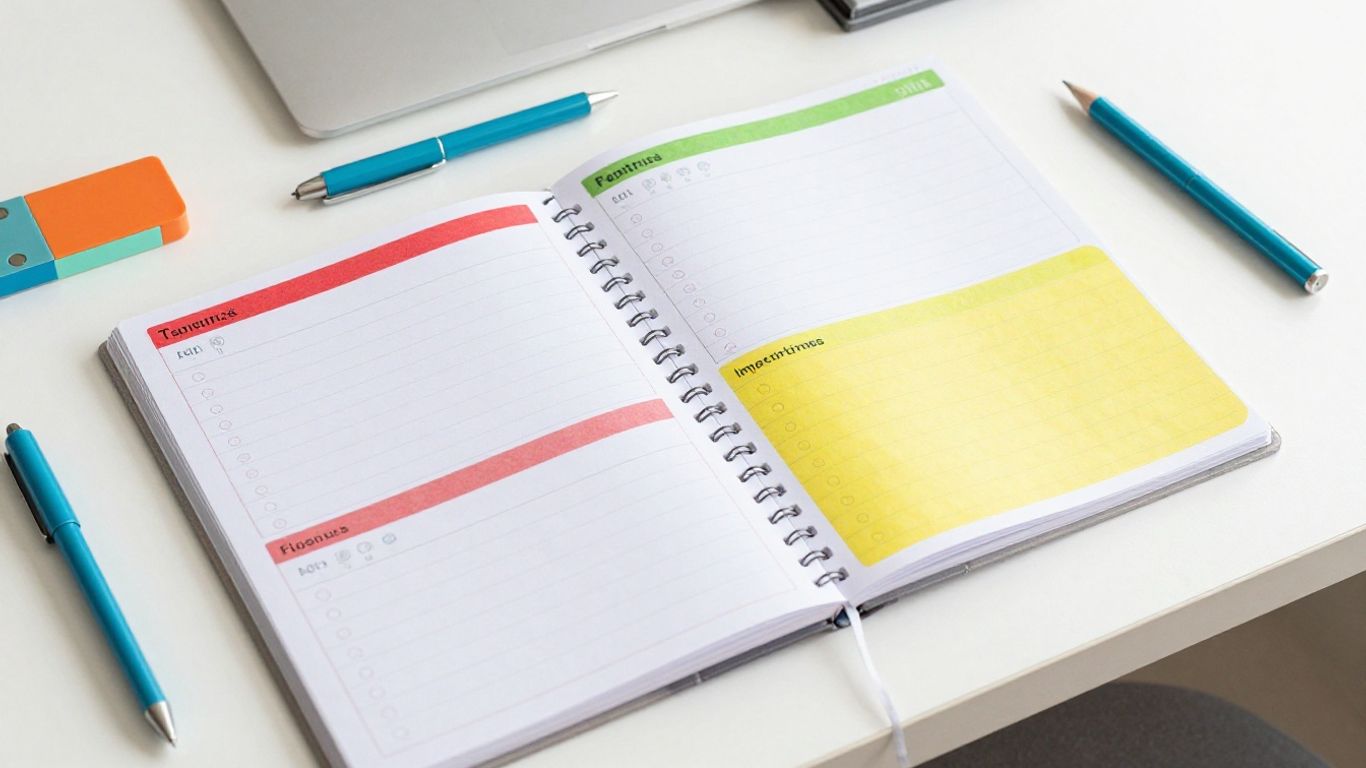
So, you've decided a visual planner is the way to go. Awesome! But not all planners are created equal, especially when your brain works a little differently. You need something that actually helps, not something that adds to the overwhelm. Let's talk about what makes a visual planner truly work for ADHD.
Flexible Structures for Changing Priorities
Life with ADHD is rarely a straight line. One minute you're focused on Project A, the next, a fire alarm goes off (metaphorically, usually!) and Project B needs your immediate attention. A rigid planner that forces you to stick to a pre-set schedule will just end up being a source of frustration. You need a planner that can bend without breaking. Think of it like a good quality rubber band versus a brittle twig. The planner should let you easily shift tasks around, add new ones on the fly, or even delete things without making a huge mess or feeling like you've failed.
Accommodate last-minute changes: Your planner should make it simple to move tasks or appointments without needing to rewrite entire pages.
Handle shifting focus: Easily reorder priorities as new information or demands arise.
Allow for 'no plan' time: Sometimes, the best plan is no plan. Your planner should have space for spontaneity.
Built-In Color-Coding Capabilities
Color is your friend. Seriously. For brains that can get bogged down in text, color acts as a super-fast shortcut. It lets you see at a glance what's important, what's urgent, what's personal, or what's work-related. The ability to assign different colors to different categories or urgency levels can drastically cut down on the mental energy needed to figure out your day. This isn't just about making things pretty; it's about making information digestible. Whether it's digital tags or physical highlighters, having a system that makes color-coding easy is a game-changer. It helps reduce that feeling of being swamped by a wall of text. You can quickly scan your day and know what needs your attention. This is a big win for reducing cognitive load.
Task Breakdown and Progress Visualization
Big tasks can feel like climbing Mount Everest. For an ADHD brain, that sheer size can be paralyzing. A good visual planner breaks these giants down into tiny, manageable steps. Seeing a list of small, achievable actions is way less intimidating than one giant, vague task like "Finish Report." Each little step you check off provides a small hit of dopamine, which is like rocket fuel for motivation. Progress visualization takes this a step further. Think progress bars, completion percentages, or even just a satisfyingly crossed-off list. It's about making your forward movement visible. This externalizes your progress, giving you something concrete to see and feel good about. It helps build momentum and combats that feeling of being stuck.
Visual planners work because they make the abstract concrete. Time, tasks, and progress become visible elements you can interact with, rather than invisible concepts your brain struggles to grasp. This externalization is key to managing executive function challenges.
Choosing the Right ADHD Visual Planner Tool
Picking a planner for ADHD isn't as simple as grabbing the first fancy app you find. It’s more about how a tool fits your life and your brain than the amount of features packed inside. You might’ve already bounced between three or four planners that just didn’t work, so let’s skip the sales pitches and get real about what matters.
Paper vs. Digital: Finding Your Best Fit
Deciding between paper and digital planners is one of those questions that only you can answer. Each has its own benefits and quirks—what works for someone else might not sit right with you. Here’s a quick side-by-side:
Feature | Paper Planner | Digital Planner |
|---|---|---|
Portability | Needs to be carried | Accessible via devices |
Customization | Total creative control (stickers, colors) | Flexible layouts, easy edits |
Distraction Level | Zero notifications | Risk of app distractions |
Reusability | Need a new one each year | Templates, recurring tasks |
Cost Over Time | Can add up | Free or subscription based |
Try both if you’re not sure—sometimes you won’t know until you see what clicks.
Assessing Tools for Ease of Use and Customization
With ADHD, if a planner is too hard to set up or confusing to look at, that’s a one-way ticket to abandonment. Here are a few things to consider when sizing up your options:
Can you start using it right away or do you need a degree in rocket science?
Does the look of it help you focus—or do you feel more scattered just opening the app or page?
Are you able to break chores and goals down into smaller steps, with some kind of visual feedback for each?
Can you color-code, add little symbols, or otherwise make things stand out at a glance?
Don’t beat yourself up for not sticking with the same planner forever. The right tool today might not be perfect in six months, and that’s normal.
Prioritizing Functionality Over Fancy Features
Lots of planners are loaded with bells and whistles—habit trackers, hourly layouts, mood logs. But more isn’t always better, especially if it means you never open it again. Remember:
Focus on features you’ll actually use, not what looks impressive in ads.
Simple setups often work best, especially on tough days.
Too many functions can lead to overwhelm and planner fatigue.
Your real measure of success is how often you actually use your planner, not how advanced it is. Choosing a system that’s easy to stick with (even if it’s basic) can be way more powerful than the most high-tech option you’ll abandon by May.
In the end, the best ADHD visual planner is the one you enjoy and check in with. That’s what builds real momentum and helps life feel at least a little less overwhelming.
Making Your ADHD Visual Planner Work for You
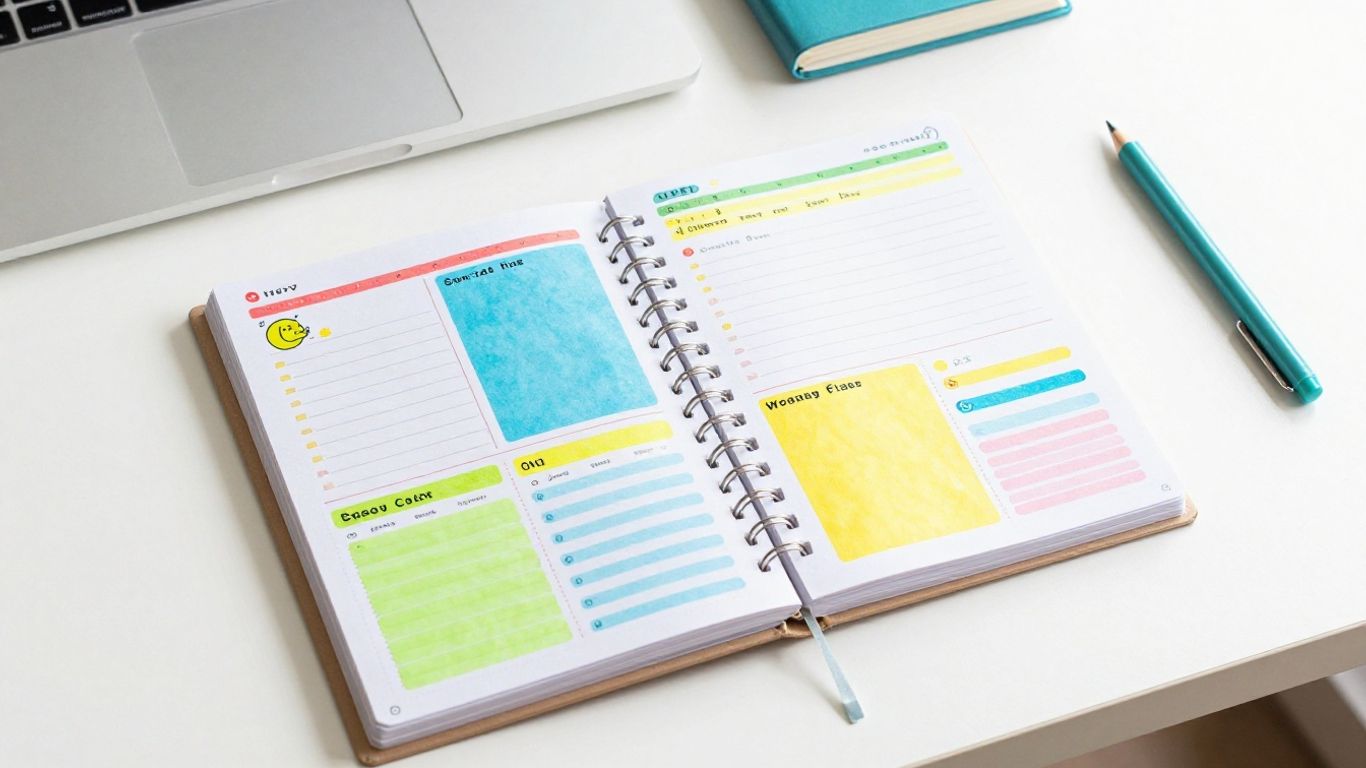
So, you've got this awesome visual planner, maybe it's paper, maybe it's digital, and you're ready to rock. But here's the thing: a planner isn't like a magic wand. It's more like a tool, and like any tool, you've got to learn how to use it effectively. And for us ADHD folks, that means being okay with things not being perfect right out of the gate.
Starting Your Visual Planning Journey Today
Don't feel like you need to implement every single strategy you've read about all at once. That's a recipe for overwhelm, and we definitely don't need more of that. Pick one thing that seems doable. Maybe this week, you just focus on using color-coding for your tasks. Or perhaps you decide to try breaking down just one big project into smaller steps. The goal is to start small and build from there. Remember, the graveyard of abandoned planners isn't a sign of failure; it's proof that you've been trying to find what works. Now, you have a better idea of how to try differently. If you're curious about digital options, exploring tools designed for neurodivergent needs can be a good starting point, offering flexibility as you go. See planner options.
Adapting Your Planner as Your Needs Evolve
Life with ADHD is rarely static. Your priorities shift, unexpected things pop up, and what worked last month might not work today. That's totally normal! Your planner should be able to bend with you, not break. If you find yourself constantly crossing things out or feeling like you have to start over, it's a sign that your system needs a tweak. Maybe you need more space for spontaneous ideas, or perhaps a different color-coding system would make more sense. Think of your planner as a living document, not a rigid rulebook.
Embracing Flexibility Over Perfectionism
This is a big one. We often get caught up in making our planners look
Leveraging Visual Planning for Executive Function
Executive function is basically the set of mental skills that help us plan, focus, remember things, and manage multiple tasks at once. For folks with ADHD, these skills can be a bit of a rollercoaster – sometimes they're sharp, and other times, they just seem to vanish. Visual planners help bridge these gaps by making the whole process of staying organized a lot less demanding on your brain.
Combating Time Blindness with Spatial Scheduling
One of the biggest hurdles for many with ADHD is time blindness – that tricky feeling of not really sensing how time passes or how long things will actually take. Abstract time concepts can be really hard to grasp. Visual planners turn these invisible ideas into something you can actually see. By laying out your day or week in blocks of time, you're creating a spatial map of your schedule. This makes time feel more concrete, giving your brain something tangible to work with instead of just a vague sense of 'later'. It’s like turning a ghost into a physical object you can interact with. This spatial approach can really help with planning and sticking to deadlines.
Reducing Cognitive Load with Visual Cues
Think about how fast our brains process images – it's incredibly quick! Visual planners tap into this by using colors, shapes, and layouts to convey information instantly. Instead of having to read and decode long lists of text, a quick glance at a color-coded schedule can tell you what's important, what's urgent, or what type of activity is coming up next. This significantly cuts down on the mental effort, or cognitive load, required to figure things out. It means less brainpower spent on deciphering your schedule and more available for actually doing the tasks. Tools like Tiimo visual planner are designed with this in mind, offering customizable views that make information easy to digest at a glance.
Building Momentum Through Achievable Steps
Big tasks can feel overwhelming, especially when you're already managing executive function challenges. Visual planners excel at breaking down these giants into smaller, manageable pieces. Seeing a long list of tasks is one thing, but seeing them broken down into tiny, actionable steps that you can check off one by one? That's a game-changer. Each completed step provides a small win, a little hit of dopamine that fuels motivation and builds momentum. This visual progress tracking makes the journey feel less daunting and more achievable. It’s about creating a path forward that you can actually see and follow, step by visible step.
The core idea is making the invisible visible. When planning and time feel abstract and hard to manage, externalizing them through visual tools gives your brain the concrete anchors it needs to function more smoothly. It’s not about forcing yourself to be different; it’s about using tools that work with your brain's natural wiring.
Your Visual Planning Journey Starts Now
So, we've talked about why those old planners just didn't work for you, and how visual tools can actually make sense for how your brain is wired. It’s not about finding the perfect planner, but finding one that fits you right now. Remember, your brain isn't broken; it just needs a different approach. Don't feel like you have to try everything at once. Pick one thing, maybe color-coding or breaking down a big task, and just start there. The goal is progress, not perfection. And hey, if a planner stops working, that’s okay! It just means you’re learning and adapting, which is a strength. Keep experimenting, be kind to yourself, and know that the right visual planner is out there waiting to help you get things done.
Frequently Asked Questions
Why are visual planners better for ADHD than regular planners?
Visual planners work better because they use pictures and colors instead of just words. Our brains can understand images way faster than text, making it easier to see what needs to be done. Things like color-coding and showing time as blocks on a page make it simpler to get what's going on and help with common ADHD challenges.
How do visual planners help with ADHD 'time blindness'?
Visual planners help with time blindness by making time visible. Instead of just numbers or words, they show time as blocks that have size, so you can see how long something should take. Colors can also show you when something is urgent. This helps you get a better feel for how time passes and how long tasks really take, which is tough for ADHD brains.
Should I use a paper planner or a digital planner for ADHD?
It really depends on what works best for you and your ADHD. Paper planners let you physically write and draw, which can help you remember things better, and you don't have digital distractions. Digital planners can give you reminders, let you move tasks around easily, and sync across your devices. Some people even use both – paper for planning and digital for reminders.
Why do I keep stopping using my planners after a short time?
It's common to stop using planners because they often aren't made for how ADHD brains work. Standard planners can feel overwhelming with blank pages, too much text, or rigid schedules that don't fit real life. If a planner doesn't feel right or makes you feel stressed, it's easy to give up. It's not your fault; the planner might just not be the right fit for your brain.
Can a visual planner help me manage big projects?
Absolutely! Visual planners are great for breaking down large projects into smaller, easier steps. You can see each step laid out, track your progress visually, and get a sense of accomplishment as you check things off. This makes big projects feel less scary and helps you build momentum without getting stuck or overwhelmed.
How can I start using a visual planner without feeling overwhelmed?
Start small! You don't have to use every feature at once. Pick one or two things that seem most helpful, like trying out color-coding for different types of tasks or breaking down just one project into smaller steps. Give yourself permission to experiment and adjust as you go. The goal is to find what works for you, not to be perfect from day one.